Embedding a workflow in Notion
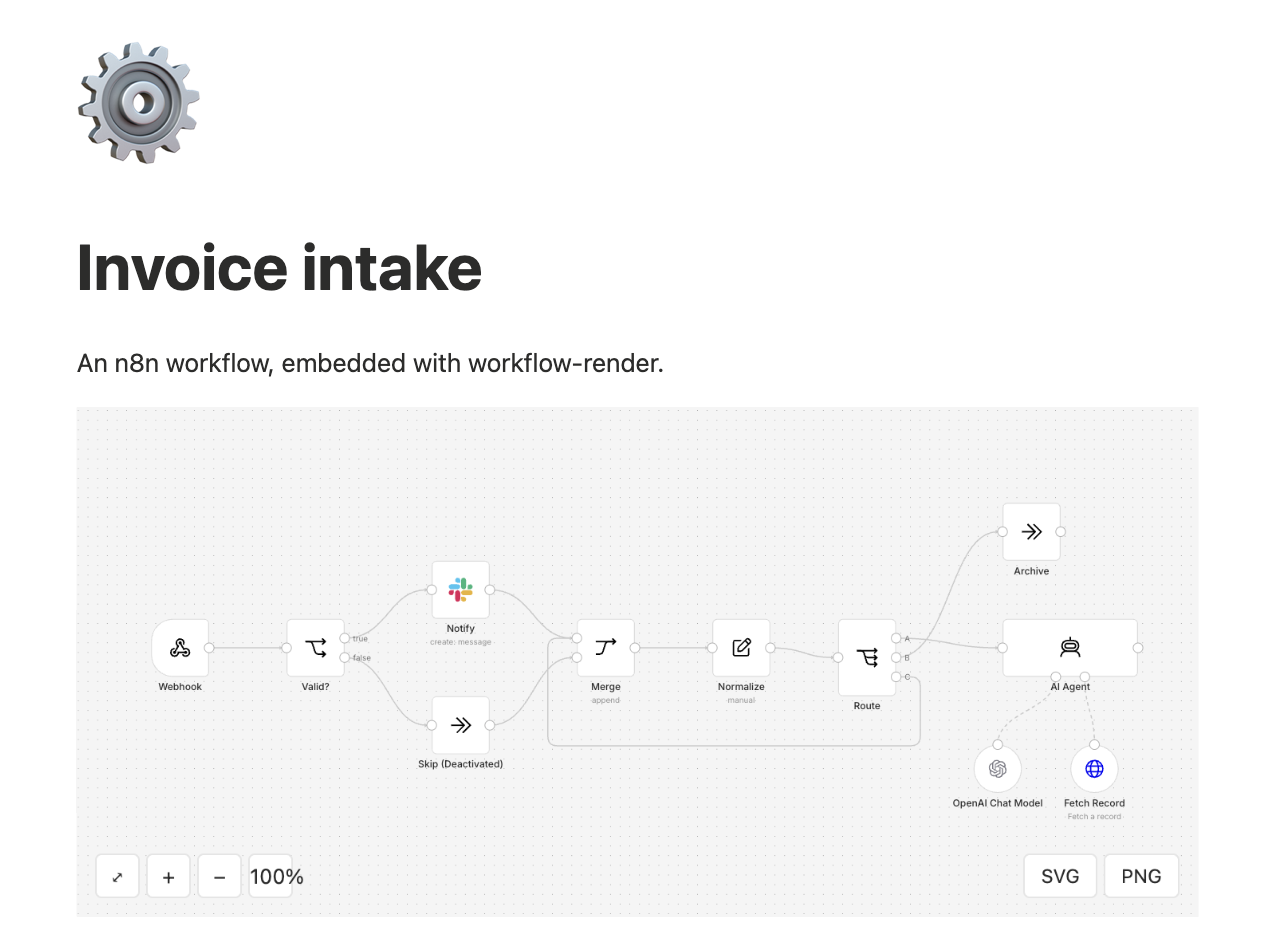
Notion shows a web page inside an /embed block when the page allows it. Put the canvas in one HTML file, host that file somewhere that allows framing, and paste its URL into Notion. This works in Notion on desktop and on mobile.
1. Make the file
Save this as index.html and paste your exported workflow (or execution) JSON between the two workflow tags:
<!doctype html>
<html lang="en">
<head>
  <meta charset="utf-8">
  <meta name="viewport" content="width=device-width, initial-scale=1">
  <title>My workflow</title>
  <style>html, body { margin: 0; height: 100%; } workflow-render { display: block; height: 100vh; }</style>
  <script type="module" crossorigin="anonymous"
    src="https://cdn.jsdelivr.net/npm/workflow-render@0.4.0/dist/element/workflow-render.js"
    integrity="sha384-aG3Ip1wRTCeNNzLVq6XOoiThShTAe6CpFeWfaZ9g011/37M1AZliGwj6lU/hftn4"></script>
</head>
<body>
  <workflow-render id="canvas" theme="auto"></workflow-render>

  <!-- Paste your exported workflow JSON between these two tags. -->
  <script type="application/json" id="workflow">
{ "nodes": [], "connections": {} }
  </script>

  <script type="module">
    document.getElementById('canvas').workflow = JSON.parse(document.getElementById('workflow').textContent);
  </script>
</body>
</html>
The renderer loads from jsDelivr; the workflow stays in your file. theme="auto" makes the canvas follow the reader's light or dark setting; use theme="dark" to fix it dark, or remove it for light. Open the file in a browser first to check it draws.
The file is public once hosted. Anyone with the URL can read the JSON. Paste a redacted copy: workflow-render redact workflow.json -o workflow.public.json masks credentials, identifiers, secrets, emails and pinned data. Read its report, and add --mask for any host or value it left that you would not publish.
2. Host it where Notion can frame it
The host must not send X-Frame-Options or a Content-Security-Policy whose frame-ancestors leaves Notion out. Check any host with:
curl -sI https://your-host.example/ | grep -i -E 'x-frame-options|frame-ancestors'
No output, or frame-ancestors *, means Notion can show it.
| Host | What to do |
|---|---|
| GitHub Pages | Commit index.html to a repository with Pages turned on. It sends no framing restriction by default |
| Netlify | Drop the folder on Netlify. No framing restriction by default |
| Cloudflare Pages | Add a _headers file beside index.html (below), then deploy the folder |
| Your own server | Make sure it sends neither header above for this file |
The _headers file for Cloudflare Pages:
/*
  Content-Security-Policy: frame-ancestors *
3. Embed it
In Notion, type /embed and paste the file's URL. Resize the block to taste; the canvas fits itself to whatever size it is given.
What does not work
- Attaching the HTML file to the Notion page. Notion shows an attached HTML file in its own preview, and the canvas stays blank there.
- workflowtools.dev itself. The site forbids framing, so a URL on it cannot be embedded.
Notion also embeds code-sharing services such as CodePen, which can run the same file. That has not been tested here.