Using it from n8n
There are two ways to send a workflow's calls to the mock.
| Base-URL mode | Proxy mode | |
|---|---|---|
| How | Change the URL a node calls | Point all of n8n's traffic at the mock |
| Works for | HTTP Request nodes, and nodes whose credential has a base URL | Every node, including Slack, Linear, Airtable and HubSpot |
| Setup | None | Three environment variables, or integration-mock up |
| n8n Cloud | Yes | No |
The same pack gives the same answers in both modes.
Base-URL mode
integration-mock start
integration-mock packs enable slack
integration-mock url slack
This prints http://127.0.0.1:8080/slack. Set the HTTP Request node's URL to that address plus the path, for example http://127.0.0.1:8080/slack/api/chat.postMessage.
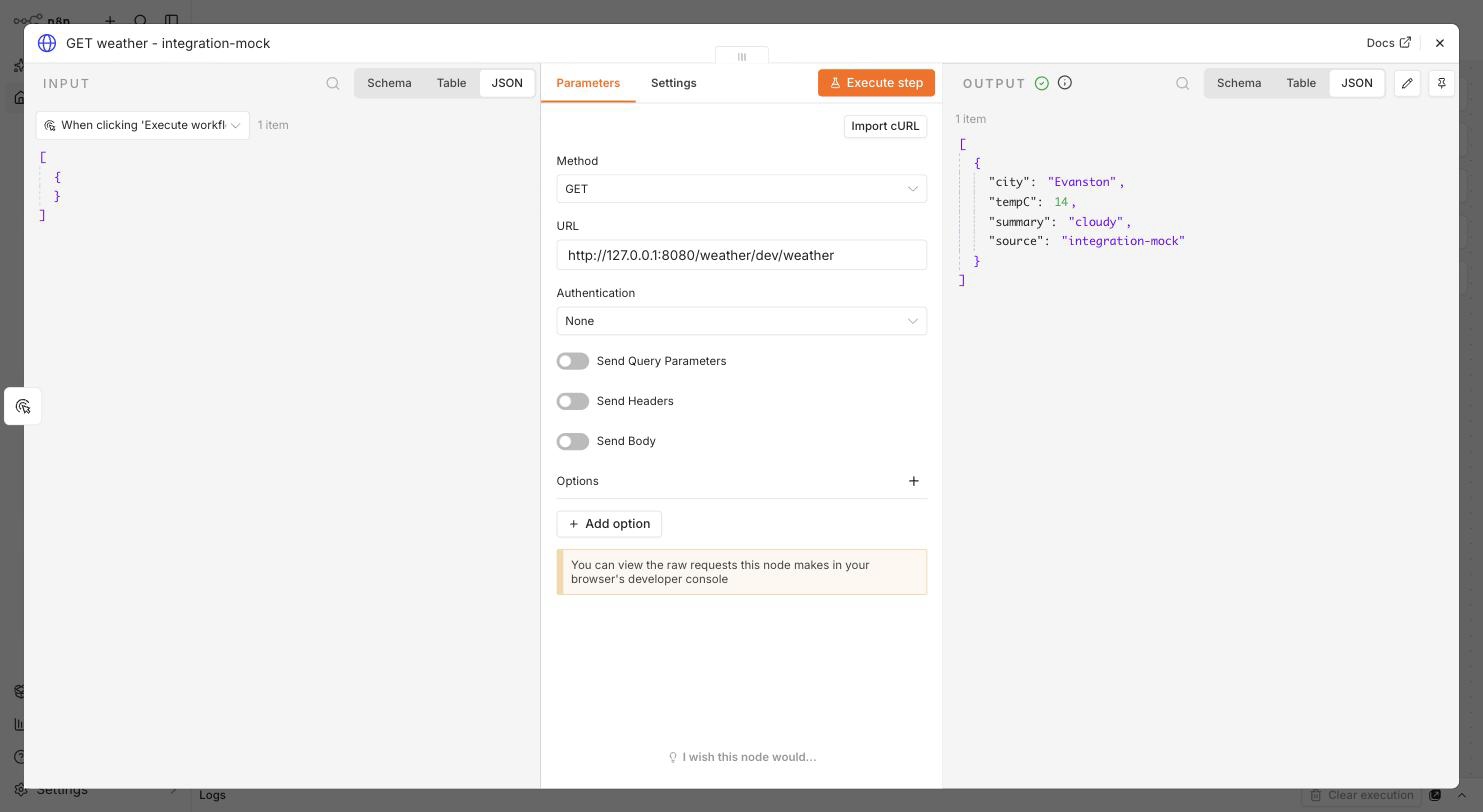
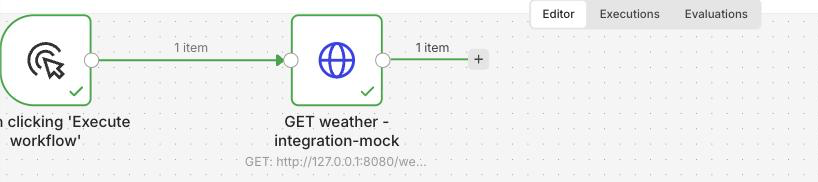
Which nodes can be pointed at the mock
| Node | Base-URL mode |
|---|---|
| HTTP Request | Yes |
| A node whose credential has a base URL, such as Salesforce, Gong or Supabase | Yes, through the credential |
| A node with a fixed URL, such as Slack, Linear, Airtable, HubSpot or Google Sheets | No. Use proxy mode |
Where n8n runs
The mock only needs an address n8n can reach.
| n8n runs | Address to use |
|---|---|
| On your machine | http://127.0.0.1:8080/<service> |
| In Docker, same network as the mock | http://mock:8080/<service> |
| On a server | The mock's private address on that network |
| n8n Cloud | A public address for the mock, such as a tunnel or a small server |
Warning
Never expose the admin port, 8081. The mock port itself has no authentication either, so put it behind something you control.
The mock serves plain HTTP. Put a reverse proxy or a tunnel in front of it if you need HTTPS.
Proxy mode
In proxy mode, n8n sends every outgoing call through the mock. Calls to services you enabled are answered by the mock. Everything else passes straight through, untouched and unlogged.
With Docker
integration-mock up      # n8n on http://localhost:5690, already pointed at the mock
integration-mock down
With your own n8n
Run integration-mock ca install to print the variables, set them where n8n runs, and restart n8n.
HTTP_PROXY=http://127.0.0.1:8080
HTTPS_PROXY=http://127.0.0.1:8080
NODE_EXTRA_CA_CERTS=~/.integration-mock/ca.pem
NO_PROXY=localhost,127.0.0.1
NODE_EXTRA_CA_CERTS makes n8n trust the mock's local certificate authority. The certificate and its key are created on your machine and never leave it.
Record, then replay
integration-mock start                # mode off: everything passes through
integration-mock packs enable slack   # only enabled services are ever intercepted
integration-mock record start         # run the workflow: real calls happen and are recorded
integration-mock record stop
integration-mock on                   # replay: the same calls are now answered from the recording
integration-mock log                  # what the workflow sent
integration-mock off                  # back to the real services
In replay, a call that nothing matches gets a 501. The real service is never contacted.
n8n Cloud
n8n Cloud does not let you set HTTP_PROXY or NODE_EXTRA_CA_CERTS, so proxy mode is not available.
| Node | On Cloud |
|---|---|
| HTTP Request | Change the URL, or set the node's own Proxy option |
| A node whose credential has a base URL | Change the credential |
| A node with a fixed URL | Cannot be mocked |
To use the HTTP Request node's own Proxy option, the node also needs Ignore SSL Issues. Set both, and clear both, with one command:
integration-mock creds swap workflow.json --via proxy --base-url https://your-mock --in-place
integration-mock creds swap workflow.json --via proxy --real --in-place
Important
Always clear it afterwards. A node left ignoring certificate errors while it calls a real service is less secure than before.